
AI teardown
Why “PhotoScan by Google Photos”
works
Screenshots
4
Description
1,081 ch
Languages
34
Last update
1345d ago
📈Why this app earns support (AI analysis)
PhotoScan earns user support due to its user-friendly interface and effective glare removal, making it easy for users to digitize their printed photos with precision. The automatic cropping and smart rotation features enhance the scanning experience, allowing users to quickly capture and save their memories without hassle.
✍️How they open the description— the first line matters most
Photos from the past, meet scanner from the future.
🖼️Real store screenshots— note what the first one communicates
 1
1 2
2 3
3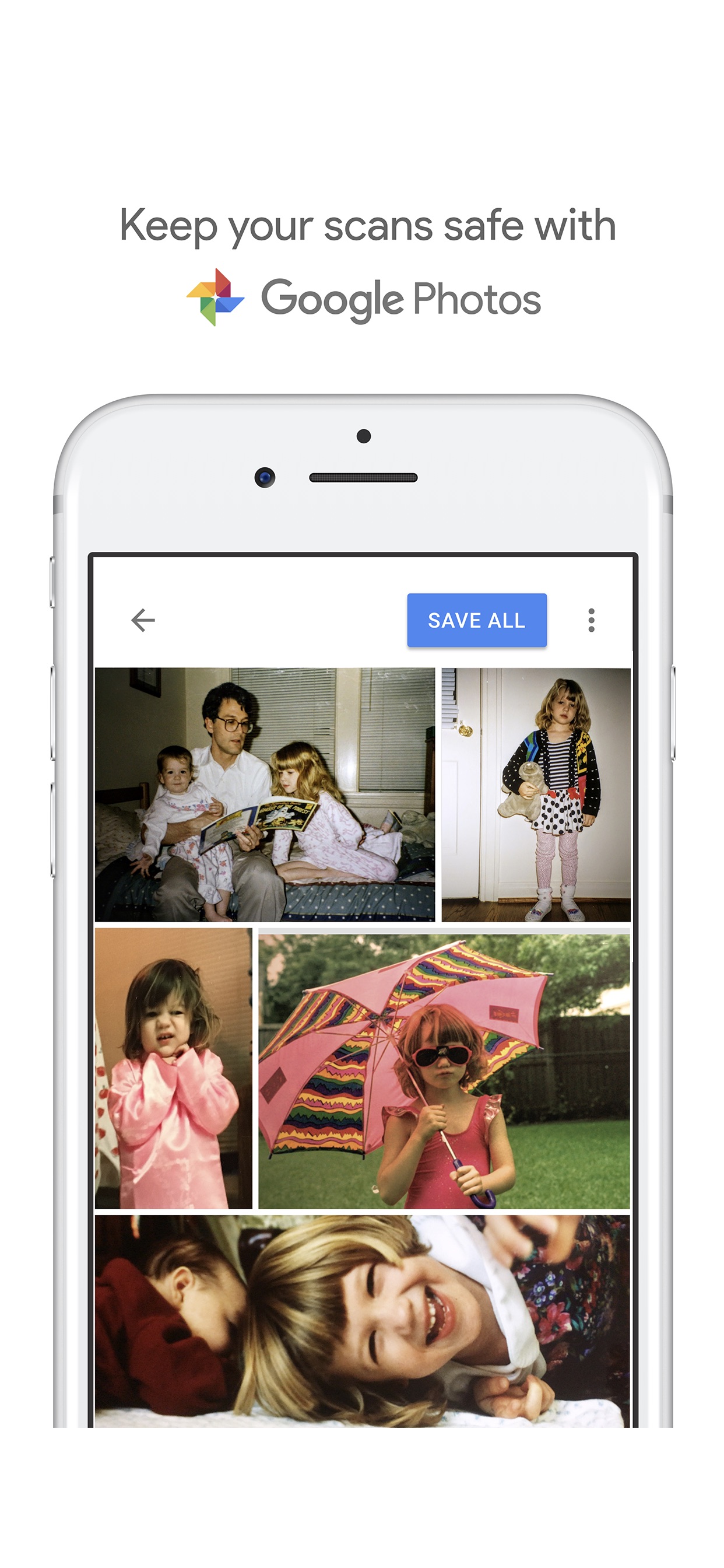 4
4💬What users praise— from positive reviews
“The best option for scanning This app is a life saver. We have been scanning our 40 years of photos and this works better than any physical ”
“Perfect! Wow! I hadn’t used this app in quite some time but I don’t know if it’s now having an iPhone 17 versus 14 or something changed with”
“So clean , so easy i was using my notes app hack but this is wayyyy easier and wayyyy more precise and wayyyy more detailed”
✅What your app could adopt
Your app could adopt a focus on ease of use and efficiency in the scanning process, ensuring that features like automatic adjustments are intuitive. Additionally, incorporating a seamless way to store and share scanned images could enhance user satisfaction while maintaining a unique approach to photo management.
Analyze your app with AI, free.
Competitor analysis, ASO score, and your 3 weekly moves. No sign-up — start now.
* AI-generated analysis based on public store info and positive reviews.